· 6 min read ·
The 5 levels of using Claude: from conversation to deployment
The five levels of using Claude, from the chat window to deployed agents: what each does, how to tell where your team sits and what it takes to move up.
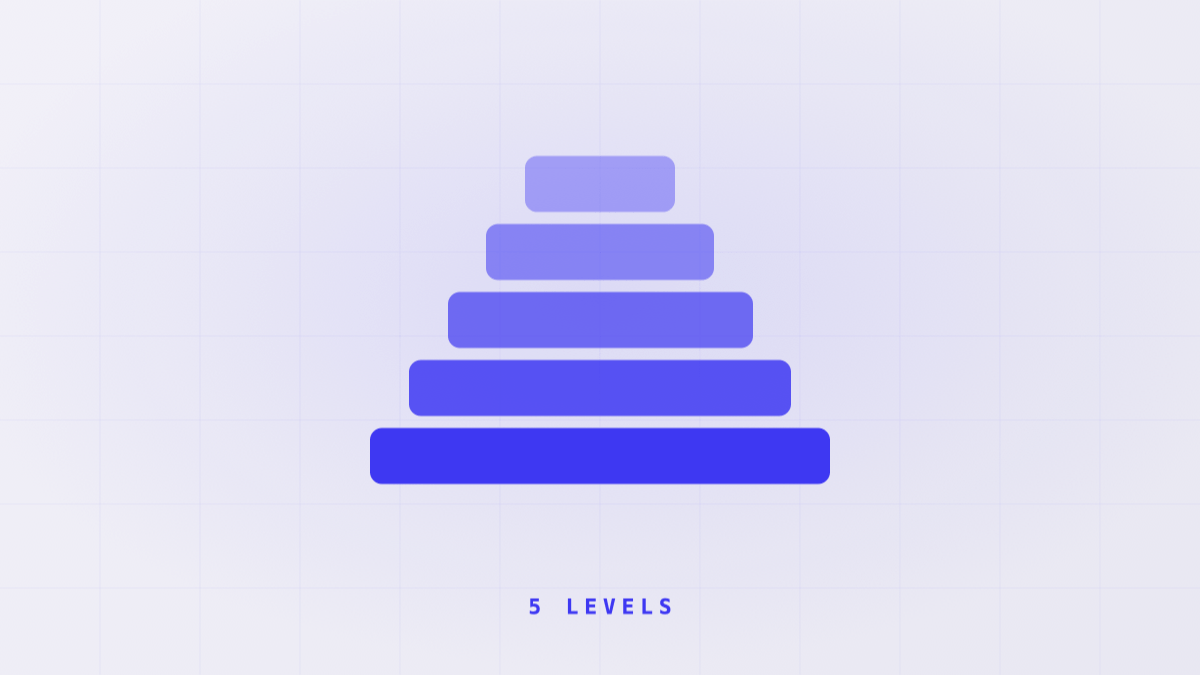
AI has moved into office small talk. The coffee queue is full of ChatGPT this, Claude wrote me that, I downloaded a skill, I installed an MCP.
When we get into one of those conversations, the same thing usually happens. The person names the tool accurately and is getting a small fraction of what it does.
It’s rarely a talent problem. Usually nobody has told them what comes after the thing they already know how to do.
So we wrote this guide. Five levels of using Claude, what each one does, how to tell where your team sits and what it’s missing to move up.
Level 1: Conversation
This is where most people who have tried AI in your company sit. They open the Claude chat window, paste in some text and ask for a summary, an email or an idea. Nothing installed, no Claude Cowork and no Claude Code.
It works well for one-off tasks and needs no setup. The catch is that every conversation starts from zero. Whoever uses it explains what the company does, the tone they want and the shape of the output, one day after another.
Claude does record some corrections and preferences between conversations on its own, but only what it decides to note down. That doesn’t replace instructions written down and saved.
You recognise this level by the repetition. If someone on your team has spent months typing the same guidance every morning, they’re at level 1.
Moving up takes a change of habit, not a purchase. Stop repeating instructions and start saving them.
Level 2: Automation
At the second level the person has moved to Claude Cowork, which is Claude working across the team’s files and documents instead of only in a chat window. And they have found the two things that change the working day, commands and skills.
A command is a shortcut that stores a prompt you use a lot. A skill is a file of instructions Claude follows whenever the task matches, without anyone reminding it.
You can tell someone is here when they no longer explain from scratch how they want the weekly report. They ask for it by name and it comes out in the usual shape.
What’s still missing is judgement of their own. Most of what they use shipped by default or is a copy of somebody else’s example, and nobody on the team knows how many skills are in use or who maintains them.
The jump to Integration means you stop consuming templates and start building them around the real work, and you open the door to the outside. The article on the four levels of artifact covers the difference between a command, a skill, an agent and a plugin. That’s the other axis, the one about what the thing you build is made of. This one measures the person.
Level 3: Integration
At Integration, Claude stops working blind. You connect it to the systems where the company’s information actually lives, the CRM, the database, the tools the team already uses.
That runs through MCP servers (Model Context Protocol), standard sockets that let Claude read and write in those systems without anyone copying and pasting by hand. In practice it’s Claude Cowork wired into Slack, Notion or your internal system, reading and writing there directly.
This is also the level where someone on the team usually discovers Claude Code and starts building small things with AI, without being a developer by trade. It’s the point where AI stops being an office tool and starts producing software.
The catalogue of MCP servers we usually reach for is at /en/mcps/.
Moving up to Orchestration means changing what you demand of the result. It can no longer depend on how inspired Claude happens to be that day, it has to come out the same every time it runs.
Level 4: Orchestration
Level 4 is Claude Code for real. The person builds their own plugins, splits the work across subagents, several copies of Claude working at once on different pieces of the same task, and adds automatic checks that verify the output before it counts as done. Two or three projects open at the same time is normal here.
What defines the level is that the result can be repeated. We call those deterministic skills, skills that give you the same thing run after run rather than a different approximation each time.
The clear sign is that you stop thinking about what prompt to write today.
You start thinking in systems. What goes in, what happens in the middle, what comes out, and why it comes out the same every time.
If two runs of the same skill give different results from the same starting point, it isn’t level 4 yet.
How that flow gets designed, the five controls that turn a skill from a file with good intentions into something reliable, is covered in how to make skills deterministic. The next step, Deployment, means no longer depending on someone having their laptop open for the system to run.
Level 5: Deployment
At the top level the agents no longer run on anyone’s laptop. They’re deployed to the cloud and work with nobody watching them.
This rests on two pieces of the Claude Developer Platform. There are the managed agents, which run in an isolated environment Anthropic administers. And there is the Claude Agent SDK, the path for building your own agents with that same level of autonomy.
You recognise this level because the work keeps coming out even when nobody has Claude open. Tickets that arrive overnight get processed on their own, and every new code change is reviewed the moment somebody proposes it.
There’s no level 6 on this scale.
What there is, though, is holding on to the level 4 standard, reproducible results, once the system runs with nobody looking at it. That’s where a silent failure costs most.
How we use this at Galileo14
Before proposing anything we ask a team to place itself on this scale, person by person.
It almost always comes out uneven. Someone at level 4 maintaining skills for the whole department, and colleagues of theirs still at level 1, pasting text into a chat window. That gap slows adoption down far more than a shortage of licences does.
From there the work is concrete. We look at which level each role needs for the problem it’s trying to solve, which is almost never level 4 for everybody, and close the distance with training built around the team’s real work, not a generic course.
If you run the team and don’t know where to start, take the three people who use AI most today and place them on the scale. The distance between them will tell you more than any assessment.